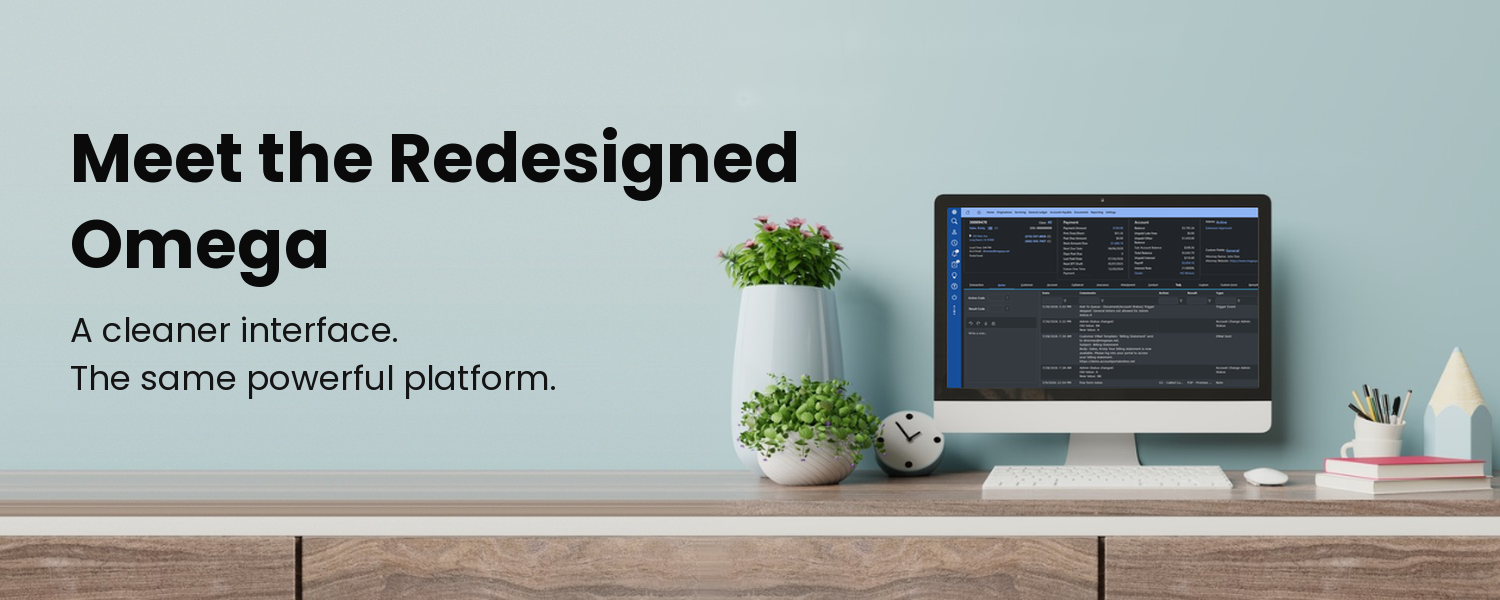
Omega Has a Whole New Look — and It's Built for How Lenders Work
If you've sat through a few Loan system demos lately, you know the pattern. The feature list sounds great, then the screens come up and look like they were designed a decade ago: cluttered tabs, buttons that behave differently on every page, and report filters that need their own training manual. It's enough to make a lender wonder whether switching systems is worth the trouble.
Omega just changed that conversation. Our completely redesigned interface is now live, putting a clean, modern workspace on top of the proven servicing platform independent consumer lenders already rely on. Every screen your team touches got attention — login, navigation, search, account views, forms, report filters, collections queues, and system messages — and the result is a system that looks as capable as it is.
Light Mode or Dark Mode — Your Call
Omega now supports both light and dark mode. It's a personal setting in each user's profile, so everyone on your team picks the view that works for them. Prefer a bright, crisp workspace? Done. Rather work on a darker screen that's easier on the eyes through a long day of servicing calls and collections work? That's ready too. It's a small switch that makes a big difference for the people who live in the system.
What You'll Notice Right Away
- A clean, consistent design. Buttons, fields, tabs, and alerts look and behave the same from screen to screen, so there's less guessing and fewer clicks.
- An obvious next step. Primary and secondary actions are clearly distinct, so your team always knows where to go next.
- Less cluttered report filters. Setting up the criteria you need is quick and easy.
- One connected experience. Servicing, collections, reporting, and account management feels like one connected system.
Built Around Your Team's Workday
Find any account fast. When a borrower calls, your team can search by whatever they have on hand — account number, customer name, SSN or tax ID, phone number, VIN, collateral details, or use any global search criteria — and land on the right next step, whether that's account entry or a credit application review.
See the whole account at a glance. View Account brings payment status, balances, past-due amounts, customer details, collateral, insurance, documents, notes, tasks, and transaction history together. The redesigned overview and tabbed layout make it faster to scan, and role-based access means each user sees what's relevant to their job.
Keep collections moving. Omega's collector queues, assignment filters, follow-up activity, promise-to-pay tracking, and workload reporting now sit in cleaner, more organized screens. Collectors get a more direct path from queue to account to next action, and managers get a clearer view of what their team is working on.
A Modern Look on a Proven Platform
A fresh interface only matters if what's underneath is solid. Omega's new design sits on top of the same workflows, permissions, report logic, and integrated modules — servicing, collections, general ledger, and payable accounts. Whether you're a direct or indirect lender, you get a system that looks and feels current today, backed by a team that has served consumer finance since 1981.
See the New Omega for Yourself
Screenshots only tell part of the story. Schedule a personalized demo and we'll walk you through the new interface and functions that matter most to your operation.
Call 800-927-4490, email sales@megasys.net, or visit megasys.net to book your Omega demo.